
Roundcube is the web-based email program included with almost every cPanel hosting account, including ours. If you have ever clicked Webmail at a hosting provider and found yourself looking at an inbox without installing an app, there is a good chance you were using Roundcube.
This guide explains what Roundcube is, how to sign in, what it does well, when a dedicated mail app is the better choice, and the one security habit you should have whenever you use webmail.
What Roundcube is, and why it is on your hosting account
Roundcube is a free, open-source webmail client. It runs through your web browser, so there is nothing to install. Open the login page, enter your email address and password, and you have access to the mail stored in your account.
Under the hood, Roundcube uses IMAP. That matters because your mail stays on the server and Roundcube is simply one way of viewing it. Read a message in Roundcube and it will show as read on your phone. Move a message into a folder in Outlook and it will be in the same folder when you open webmail. There is no separate “webmail copy” of your mailbox that needs to be kept in sync. Our POP3 vs. IMAP guide explains the difference in more detail.
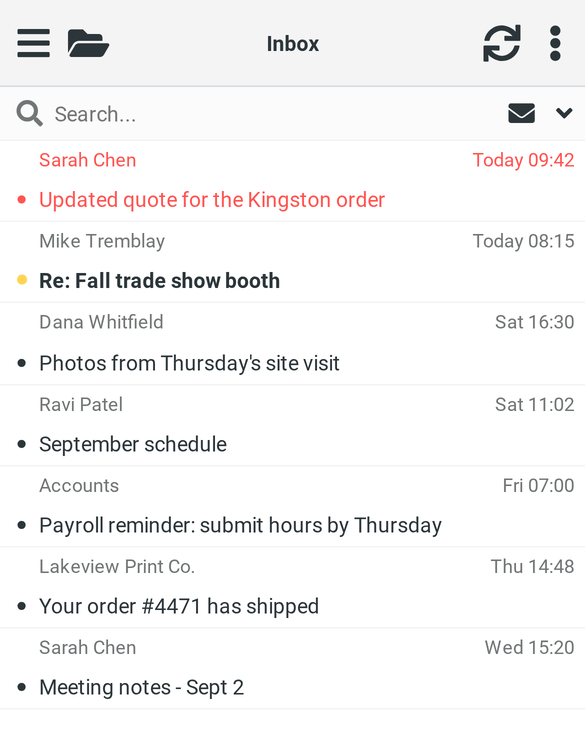
Roundcube is on your hosting account because it is included with cPanel. cPanel once offered several webmail clients, but Horde was retired in 2023 and Roundcube is now the standard option. Every server we operate runs Roundcube 1.6 with its current Elastic interface, the responsive layout shown in the screenshots below. It works on phones and tablets as well as desktop browsers.
How to log in
There are three ways to get into Roundcube, and they all lead to the same mailbox.
Your domain followed by /webmail. Enter yourdomain.com/webmail in your browser, replacing “yourdomain.com” with your actual domain. This is the easiest address to remember and bookmark, and it works from any computer without any setup.
From cPanel. Open Email Accounts and click Check Email beside the address you want to access. You do not need to enter the mailbox password again because you are already signed in to cPanel. This is particularly useful if you manage several email addresses.
The server address on port 2096. If your domain is not yet pointing to the hosting server, the normal /webmail address may not work. In that case, use the server hostname listed in your welcome email in the form servername:2096. It takes you to the same webmail login page.
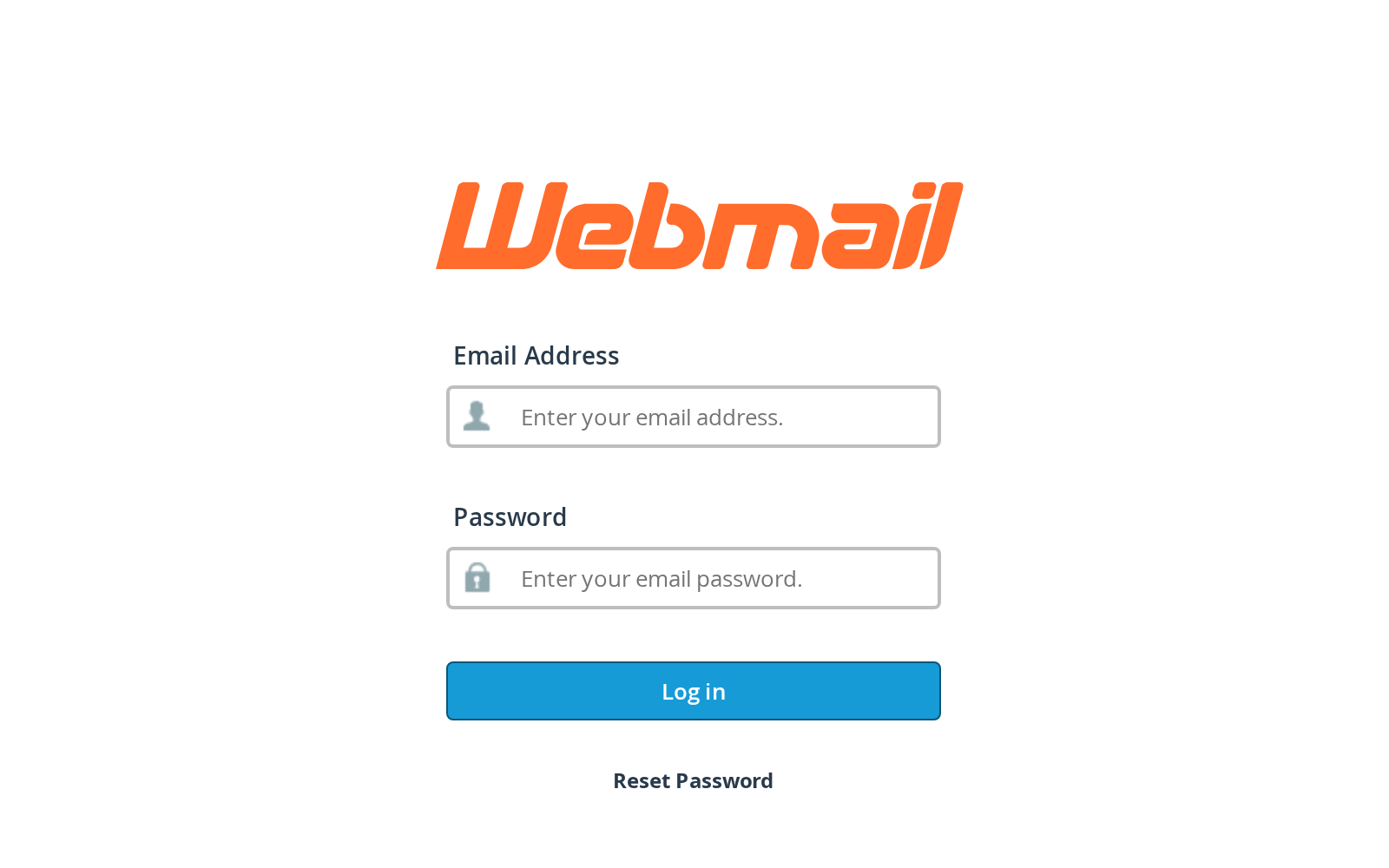
Whichever route you use, sign in with the full email address and that mailbox’s password. Two things commonly cause trouble: the username is the entire email address, not just the part before the @, and the password is the mailbox password, not your cPanel or client-area password. If you have forgotten it, you can reset it in cPanel under Email Accounts.
What you can do in it
The main Roundcube screen uses a familiar three-pane layout: folders on the left, your message list in the middle, and the open message on the right. The basics are all where you would expect them to be. You can reply and forward, drag messages between folders, flag messages for later, and search inside message bodies as well as subject lines.
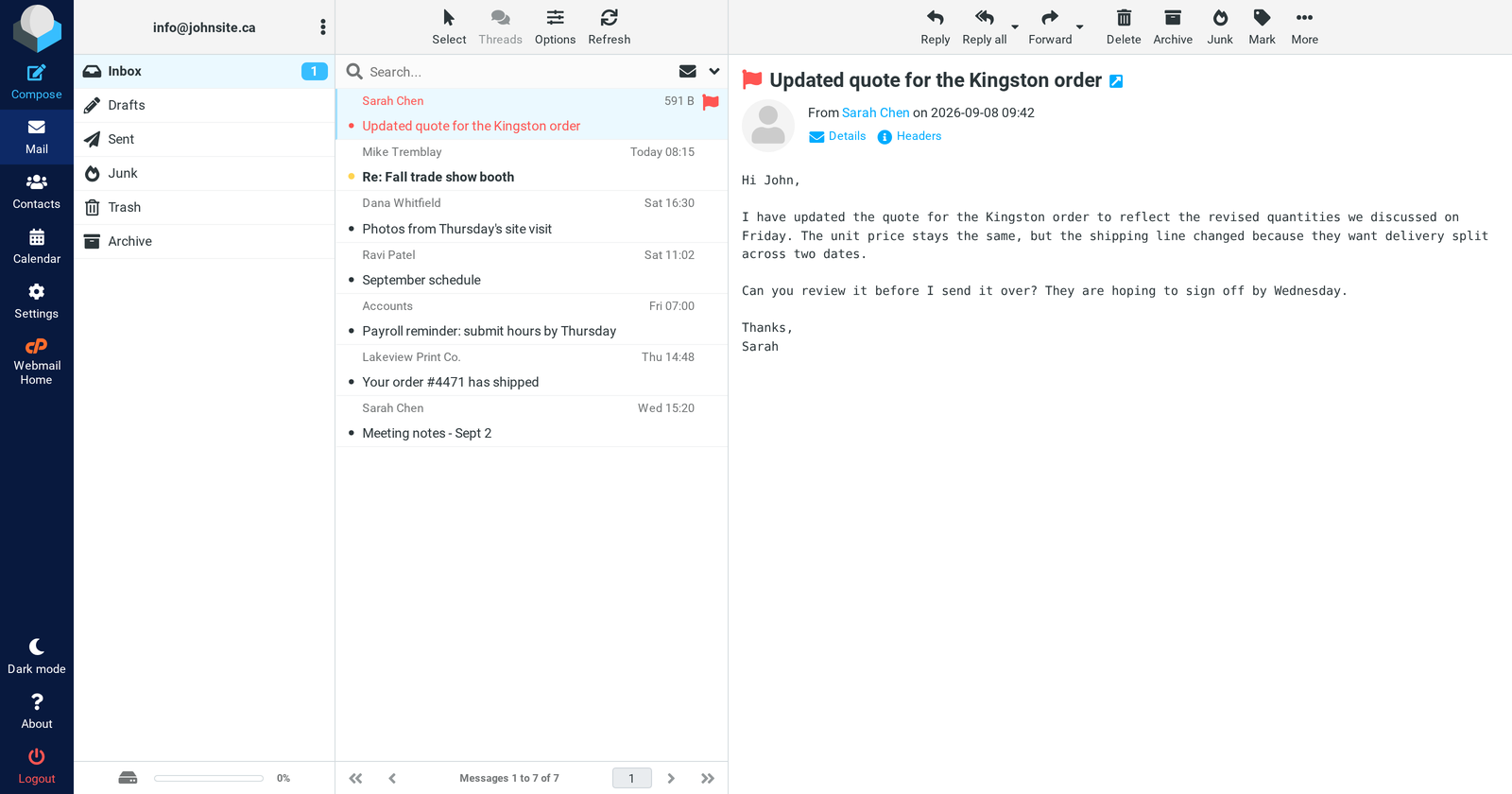
Two toolbar buttons are especially useful. Archive gets a message out of your inbox without deleting it, which is an easy way to keep the inbox manageable. Junk does more than simply move a message into the spam folder: it also reports the message to the server’s spam filtering system. Marking spam that slips through therefore helps improve filtering for that mailbox.
A quick note about search. Searching a large mailbox has traditionally been one of webmail’s weaker points because the mail server may need to work through a large number of messages on disk. This month, we moved mailbox searching on our shared hosting servers to a dedicated full-text index. A search across several years of email that might previously have taken a minute can now return in around a second, both in Roundcube and in mail apps that perform server-side searches.
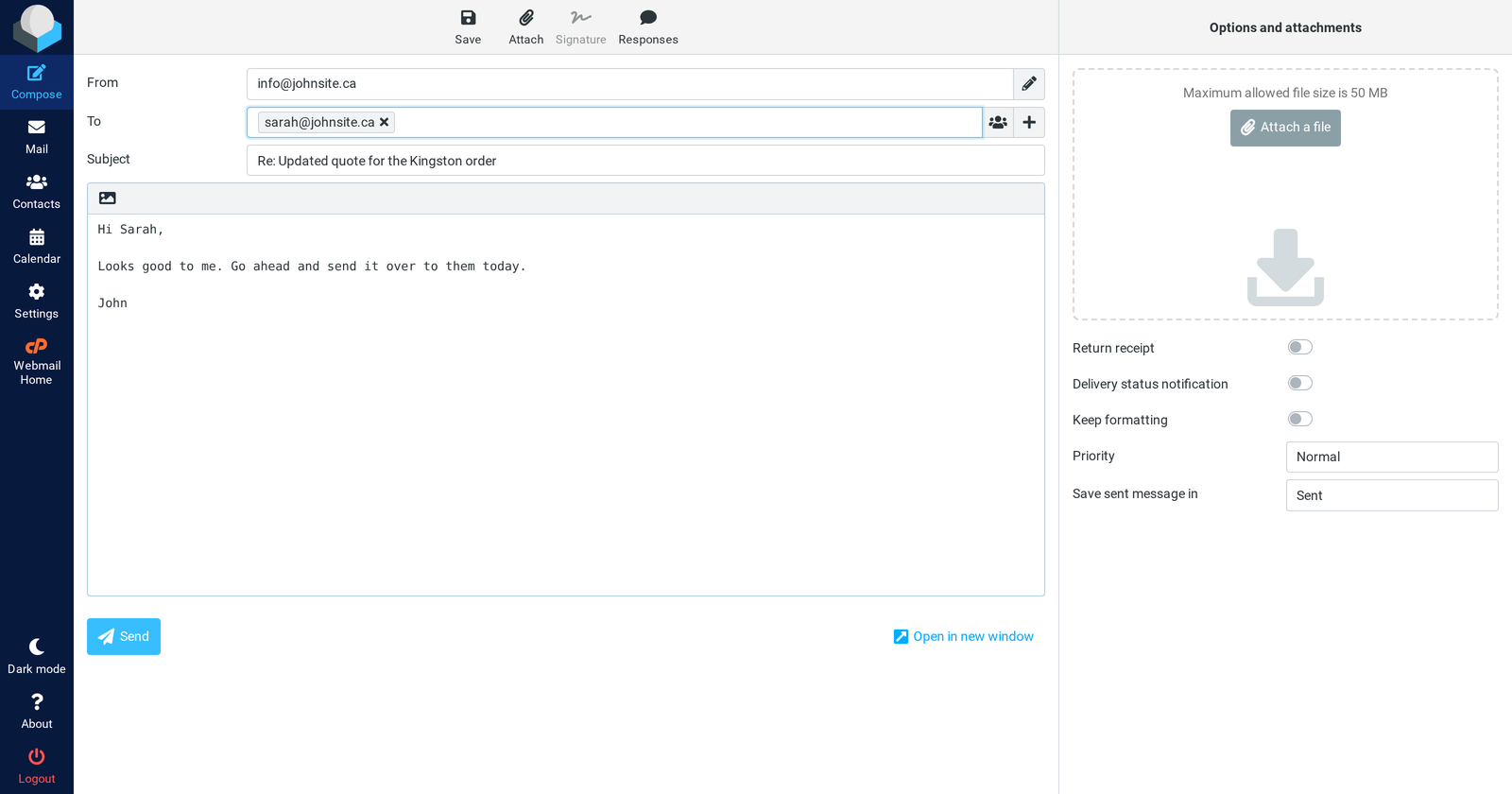
Composing a message is straightforward. Roundcube starts with plain-text email, with a rich-text editor available when you want formatting. Attachments can be up to 50 MB, and drafts are saved automatically while you type. Signatures and additional sending identities are configured under Settings > Identities. Each identity can have its own signature, and Roundcube automatically uses the appropriate one when you reply.
Calendar and contacts are built in as well. The calendar uses CalDAV, which means it can be connected to a compatible phone or desktop calendar app and kept in sync. Contacts can do the same over CardDAV. For a small business that does not need a separate groupware or calendar platform, the built-in tools may be all that is required.
Settings covers the usual preferences: layout, time zone, date format, how long a message should remain open before being marked as read, HTML email display, and dark mode. It is also where you can manage out-of-office replies, forwarding, and mail filters, so common mailbox changes can be made from a phone without having to open cPanel. Most users will never need to change much here, but the mark-as-read delay and default sort order are two settings that can make everyday use noticeably better.
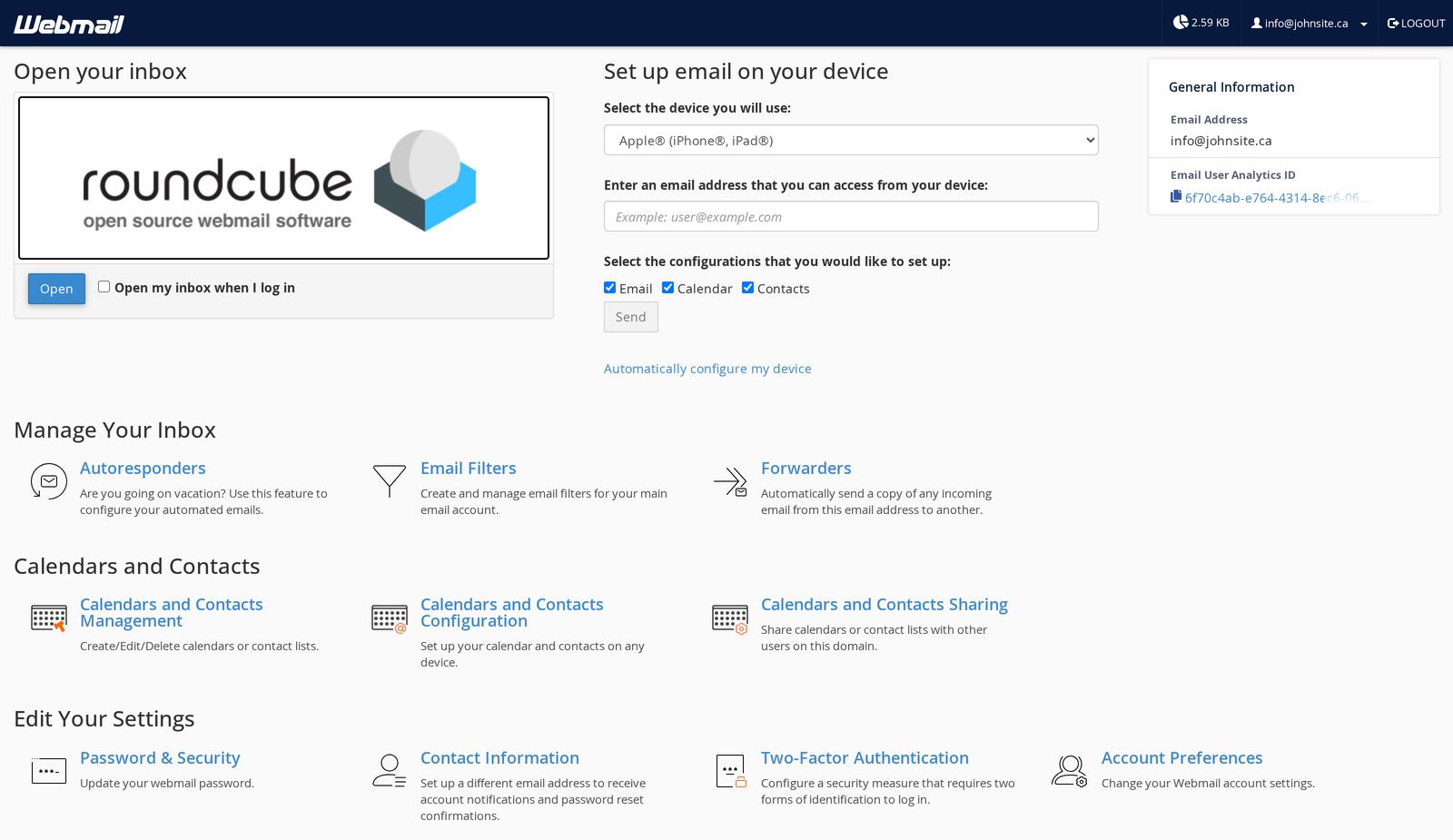
A few account-level tools are available on the page you see immediately after logging in, before Roundcube itself opens. These include changing the mailbox password, adding a recovery email address, enabling two-factor authentication, adjusting spam filtering, and using automatic configuration links to set the mailbox up in Outlook, Apple Mail, or a phone. If you cannot find something inside Roundcube’s own settings, this page is worth checking.
Where Roundcube is not the right tool
Roundcube is still a browser-based application, and that comes with some limitations. You will not get normal desktop or phone notifications unless the browser is running, there is no real offline mode, and the session will eventually log out after a period of inactivity.
If email is a major part of your working day, a dedicated mail app connected over IMAP is usually the better everyday tool. Our webmail vs. mail app comparison goes into the differences in more detail.
Where Roundcube is especially useful is as the fallback that is always available. It works from almost any computer, requires no configuration, and shows you exactly what is stored on the mail server.
That also makes it one of our most useful troubleshooting tools. When someone tells us, “Outlook isn’t showing my mail,” one of the first things we check is whether the message appears in webmail. If it is there, the mail has reached the server and the problem is usually with the mail application’s configuration or synchronization. If it is not there, we know to look further upstream. That simple check resolves the direction of a surprising number of email support cases.
The one security habit: look at the address bar
One of the most common phishing attacks aimed at hosting customers is a fake webmail login page. The email might claim that your mailbox is full, your password is about to expire, or a message has been “held for review.” The link then opens a page that looks almost identical to a real Roundcube login screen because the phishing kit has simply copied its appearance.
Anything entered into that fake page goes to the attacker. A stolen mailbox password can then be used to read email, impersonate the account owner, or send spam from the domain until the compromise is discovered.
The simplest defence is to check the address bar before entering your password. The login page should be on your own domain, your hosting server’s hostname, or your hosting provider’s legitimate control panel. If a webmail login suddenly appears on an unrelated domain, do not enter your password, no matter how convincing the page looks.
We will not send you an email asking you to “verify” or “re-activate” a mailbox by entering its password through an unfamiliar link. If you are ever unsure, close the message and manually type your normal yourdomain.com/webmail address into the browser instead.
Two additional settings can make a stolen password much less useful. Enable two-factor authentication from the webmail landing page, and add a recovery email address so that account recovery goes somewhere you control.
Bottom line
Roundcube is the webmail client included with your hosting account. It is straightforward, capable, and, importantly, gives you a direct view of what is actually stored in your mailbox on the server.
You can reach it at yourdomain.com/webmail and sign in using your full email address and mailbox password. For everyday use, a dedicated mail app connected over IMAP will usually be more convenient, while Roundcube is ideal when you are away from your normal devices or need to check what is really happening on the server.
And whenever you are asked to sign in to webmail, check the address bar first. A few seconds spent checking the domain is one of the easiest ways to avoid handing your mailbox password to a phishing site.
This article is on a hosting provider’s blog, so the disclosure: we’re CanSpace, a Canadian-incorporated company with all data centres in Canada and Canadian-staffed support, and every hosting plan we sell includes Roundcube webmail with the search improvements described above. The login and security advice applies to any cPanel host, not just us.
If you are looking for email hosting, our email hosting plans and web hosting plans both include it. Existing clients can find the step-by-step login instructions in our webmail knowledgebase article, or get in touch if something is not working.